



چرا رانندگان ارتقای دستیار صوتی هوش مصنوعی Toppal را دوست دارند
Formal overview of the Toppal AI Voice Assistant: one‑time activation, lifetime use, Android & CarPlay support, and pragmatic tips to avoid common pitfalls.
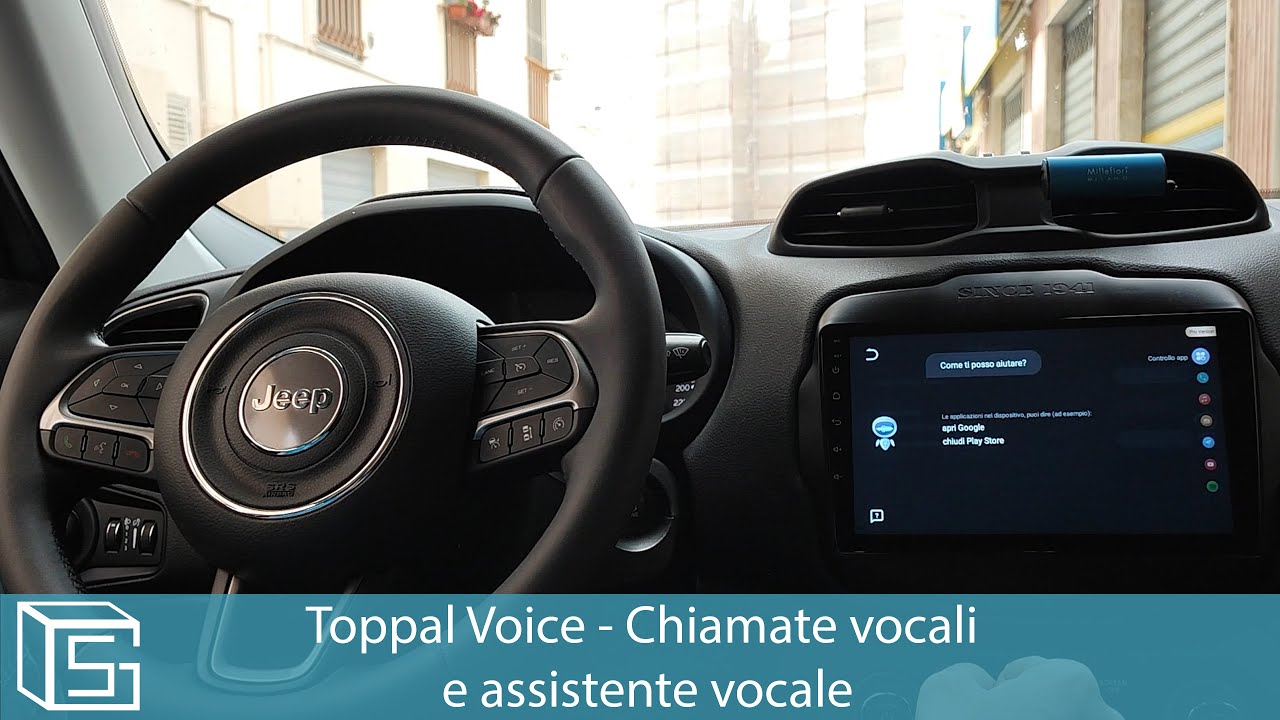
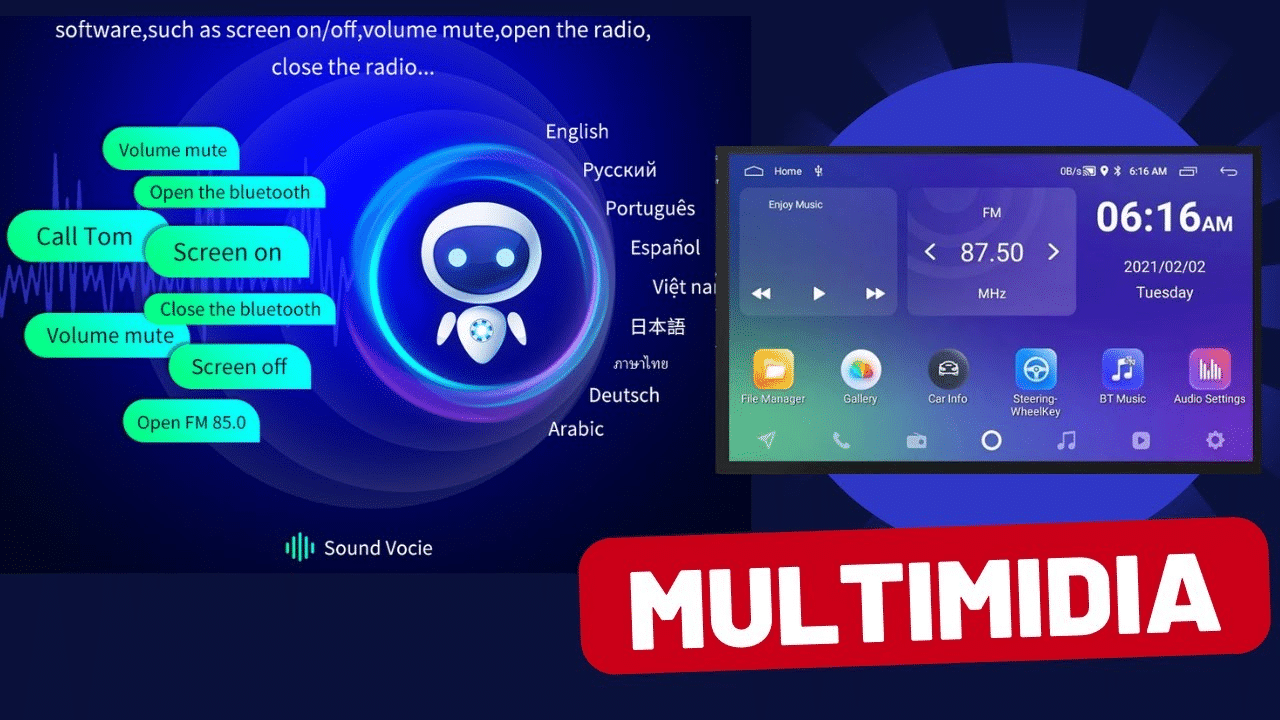
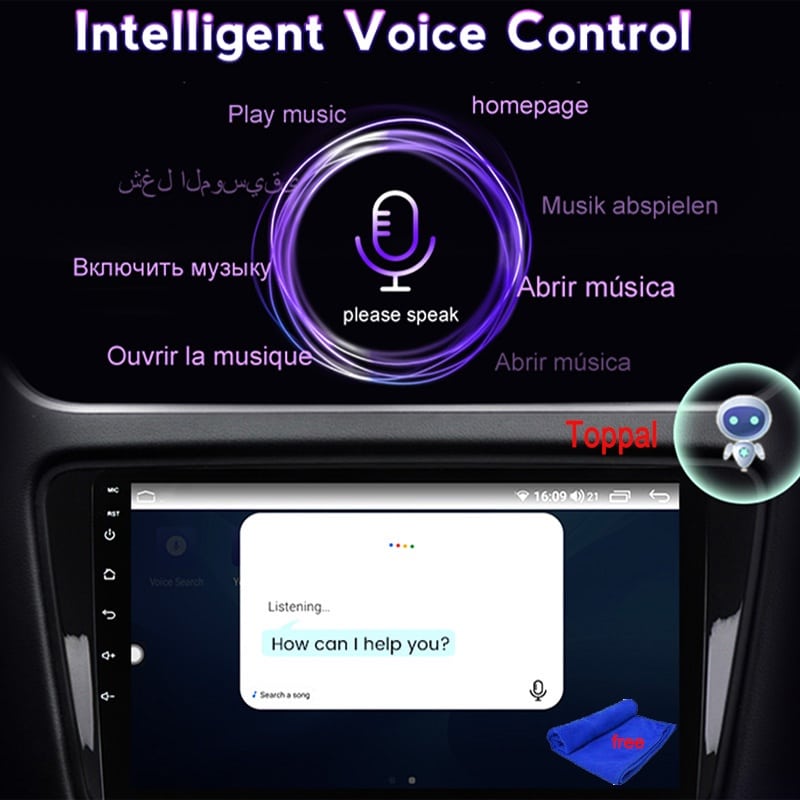
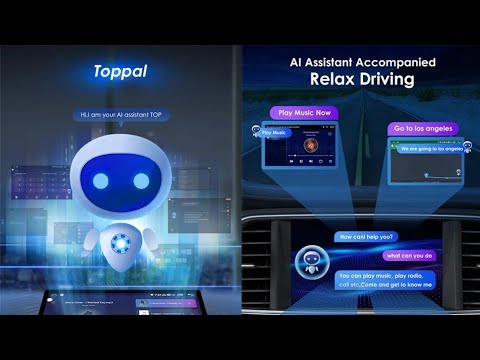
Interface & Visual Preview
محتوا
Why This Upgrade Matters
دستیار صوتی هوش مصنوعی تاپال consolidates navigation, calls, and media into one consistent voice layer for your car. The objective is simple: fewer touches, fewer distractions, and predictable results. We avoid hype; we focus on what works every day.
One‑Time Activation, Lifetime Use
- Pay once: No monthly or annual fees—ever.
- Permanent access: The core feature set remains available for the life of the product.
- Clear ownership: Your license is tied to legitimate use, not recurring charges.
Setup & Activation
- Create a mobile hotspot on your phone. Set the SSID را روی کد فعالسازی خود تنظیم کنید (case‑sensitive).
- On the Android head unit or CarPlay AI box, connect to that hotspot.
- Wait for the system to recognize the code. The robot prompt confirms permanent activation.
- Test commands (navigation, media, calls). If normal, setup is complete.
Prefer a ready‑to‑use stack?
عیبیابی
- SSID mismatch: The hotspot name must exactly match the activation code. Avoid extra spaces or symbols.
- Band visibility: If the head unit can’t see your hotspot, switch between 2.4GHz and 5GHz.
- Captive portals: Guest/corporate hotspots that open a web page won’t work. Use a plain mobile hotspot.
- Reboot once: After correcting the SSID, reboot the head unit to clear cached network entries.
- App permissions: Ensure maps, dialer, and media apps have microphone and network access.
Driving Use Cases
ناوبری
“Navigate to the nearest charger.” “Take me to 200 Main Street.” دستیار صوتی هوش مصنوعی تاپال launches your map app and starts guidance—no menu diving.
Media
“Play the road‑trip playlist.” “Resume the last podcast.” Stable playback control by voice for safer trips.
Communication
“Call Alex.” “Read the last message.” “Reply: I’ll arrive in ten.” Keep hands on the wheel while staying connected.
Comparison
| قابلیت | دستیار صوتی هوش مصنوعی تاپال | Phone‑Based Assistants |
|---|---|---|
| Designed for in‑car Android head units | بله | Indirect |
| One‑time activation, lifetime use | بله | خیر |
| Consistent voice flow across apps | Consistent | Varies per app |
| Predictable cost | No subscriptions | Service‑tied |
سازگاری
- Android head unit with stable Wi‑Fi (2.4/5GHz) or a compatible CarPlay AI box.
- Smartphone with hotspot capability for the initial activation (SSID = activation code).
- Installed and signed‑in apps for navigation, media, and calling.
حریم خصوصی
دستیار صوتی هوش مصنوعی تاپال operates within the apps you authorize. You control permissions. The lifetime license model is about ownership and predictability—not ad tracking or recurring lock‑ins.
Related Products
FAQ — Toppal AI Voice Assistant
آیا هزینه ماهانه یا سالانهای وجود دارد؟
No. It’s a one‑time activation with lifetime use.
How do I activate?
Set your phone hotspot SSID to the activation code and connect the head unit/AI box to it. When the robot prompt appears, activation is permanent.
Will it work with my car?
Compatibility depends on the head unit or AI box, not the car. Check our compatibility page.
What if I replace the device?
Your license remains valid. Contact support to re‑link if required—no extra fees.
Can I choose my navigation and music apps?
Yes. دستیار صوتی هوش مصنوعی تاپال routes commands to your installed apps (e.g., Maps/Waze, Spotify/YouTube Music).
Activation didn’t trigger. Now what?
Double‑check SSID spelling and band (2.4/5G). Reboot once. If it still fails, contact FixMyDash for remote assistance.
Activate Once. Drive Smarter.
Formal support, predictable cost, and a clean in‑car voice experience.

 English
  Русский
  العربية
  Español
  Türkçe
  Português
  Français
  O‘zbekcha
  Қазақ тілі
  Українська
  فارسی
فارسی  Kurdish (Kurmanji)
  Italiano
  Deutsch