
تعمیر استریوی اندروید خودرو به‌سادگی برای بهترین عملکرد

Learn effective Car Android Stereo Repair tips to fix common issues, improve performance, and ensure reliable operation of your vehicle’s multimedia system.
Driving Car Android Stereo

Car Android Stereo Repair: How to Fix Common Issues and Improve Performance

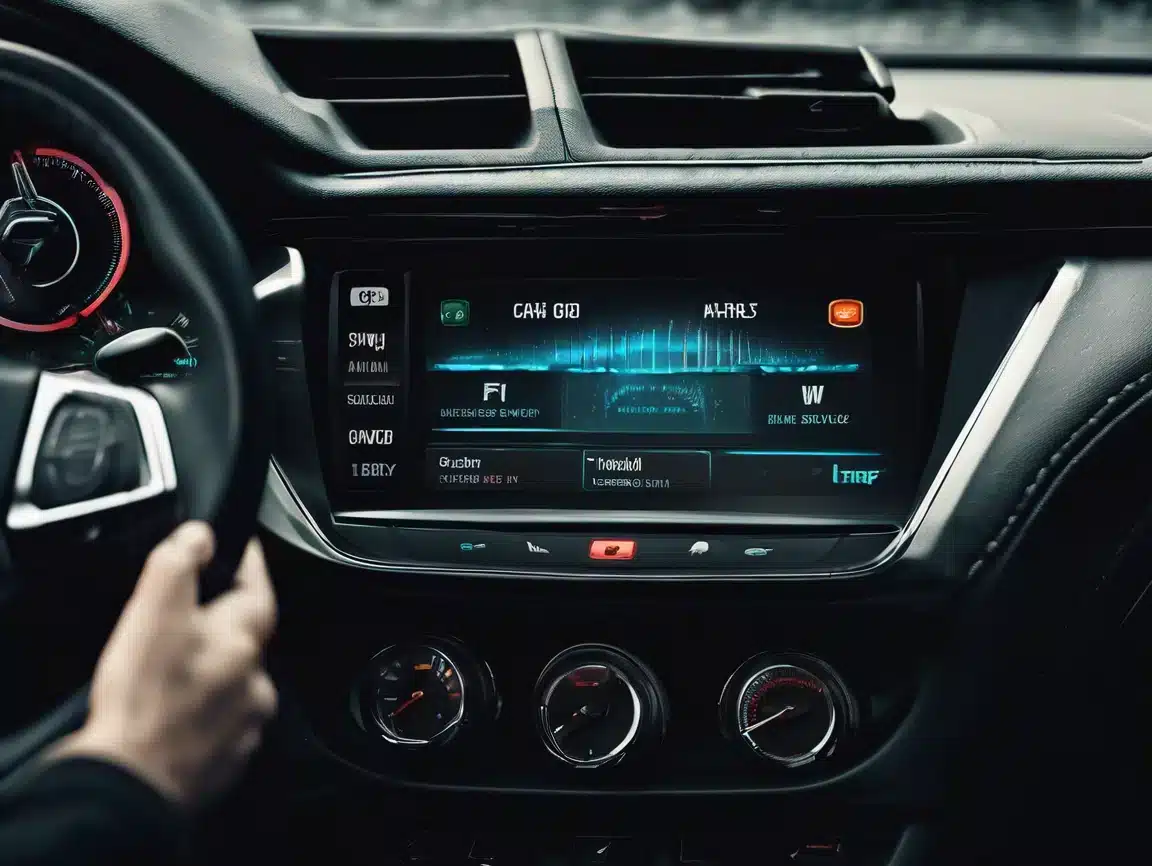
Car Android stereo repair is crucial for ensuring your vehicle’s multimedia system delivers reliable performance and an enjoyable driving experience. Many users encounter problems like system freezes, touchscreen failures, and connectivity issues that reduce the functionality of their Android car stereo. This guide will help you diagnose, troubleshoot, and repair common issues efficiently, improving your car stereo’s stability and responsiveness.

Common Problems in Android Car Stereo Systems

  • System crashes, freezes, or boot loops that interrupt use
  • Touchscreen unresponsiveness or lag affecting control
  • Bluetooth pairing failures disrupting hands-free calls and audio
  • Audio distortion, low volume, or complete sound loss
  • Slow system startup or firmware update errors

Typical Causes of These Issues

Most problems stem from outdated firmware, corrupted system files, loose hardware connections, or incompatible third-party apps. Environmental factors such as heat or moisture can also damage internal components.

How to Repair Your Car Android Stereo

1. Restart and Factory Reset

Perform a simple restart first to clear temporary glitches. If issues persist, a factory reset will restore system settings and remove corrupted data. For detailed guides, visit our Blogs and Tutorials page.

2. Inspect Hardware Connections

Check all wiring harnesses and connectors behind the stereo for looseness, corrosion, or damage. Secure and clean connectors to avoid signal interruptions. More hardware inspection details can be found on our Blogs and Tutorials page.

3. Update Firmware Regularly

Download and install the latest firmware from our Firmware Upgrade section. Firmware upgrades often fix bugs and improve compatibility.

4. Troubleshoot Bluetooth and Connectivity

Delete old paired devices and re-pair your phone to resolve Bluetooth conflicts. Verify Wi-Fi settings if your stereo supports wireless connections. Troubleshooting details can be found on our Troubleshooting page.

5. Diagnose and Repair Audio Issues

Test speakers individually to rule out hardware faults. Adjust volume and sound settings and use diagnostic tools if available to identify driver or hardware issues.

When to Seek Professional Car Android Stereo Repair

If the above steps don’t resolve the issue, professional repair is recommended. Our FixMyDash remote repair services specialize in Android car stereo repair, including software fixes, firmware recovery, and system optimization without removing your device.

Maintenance Tips for Better Performance and Reliability

  • Keep firmware and apps up to date
  • Avoid installing untrusted third-party applications
  • Protect your device from moisture and extreme temperatures
  • Use quality cables and accessories designed for your stereo model

نتیجه‌گیری

Effective car Android stereo repair starts with understanding common issues and their causes. By following these troubleshooting steps, you can restore your system’s performance and reliability. For complex problems, rely on FixMyDash expert remote repair services to get your car stereo back to optimal condition. Need professional help? Contact us via واتس‌اپ now for expert Car Android Stereo Repair services and keep your car’s multimedia system running smoothly.
فعال‌سازی مادام‌العمر

دستیار خودروی هوش مصنوعی تاپال پرو:
نسخه نهایی

با ... پتانسیل کامل خودروی خود را آزاد کنید کد مجوز حرفه‌ای دستیار خودروی هوش مصنوعی Toppal. از مسیریابی کنترل‌شده با صدا، پیشنهادهای رانندگی شخصی‌سازی‌شده و به‌روزرسانی‌های لحظه‌ای ترافیک لذت ببرید. برای رانندگی هوشمندانه‌تر و ایمن‌تر با ادغام پیشرفته ChatGPT ارتقا دهید.

ویژگی استاندارد نسخه حرفه‌ای
ناوبری کنترل‌شده با صدا ✓ بله ✓ بله
کنترل رسانه بدون دخالت دست ✓ بله ✓ بله
پیشنهادات رانندگی شخصی‌سازی‌شده ✕ نه ✓ بله
به‌روزرسانی‌های ترافیکی در لحظه ✕ نه ✓ بله
یکپارچه‌سازی پیشرفته ChatGPT ✕ نه ✓ بله
مجوز استاندارد
بود ۱TP۴T۲۸.۰۰
$18.00
پرداخت یک‌باره
بهترین ارزش / محبوب‌ترین
فعال‌سازی حرفه‌ای (هوش مصنوعی کامل)
بود ۱TP۴T۴۵.۰۰
$28.00
دسترسی حرفه‌ای مادام‌العمر

خودروی خود را با Toppal AI متحول کنید. بدون اشتراک. همیشه هوشمندتر. بلافاصله از طریق ایمیل تحویل داده می‌شود.

چت‌جی‌پی‌تی نسخه ویژه ممتاز

پیشرفته‌ترین، هوشمندترین و یکپارچه‌ترین تجربه رانندگی با هوش مصنوعی.

دستیار خودروی هوش مصنوعی تاپال
برای چت‌جی‌پی‌تی

با دستیار خودروی هوش مصنوعی Toppal، با پشتیبانی ChatGPT، فناوری پیشرفته را تجربه کنید. این سیستم کاربرپسند، تجربه چندرسانه‌ای خودروی شما را ارتقا می‌دهد و امکان کنترل صوتی یکپارچه، مسیریابی و قابلیت‌های دستیار هوشمند را که همگی در خودروی شما ادغام شده‌اند، فراهم می‌کند.

قیمت اصلی: $75.00 / سال
$45.00
دسترسی ممتاز یک‌ساله

برای رانندگی هوشمندانه‌تر با دستورات صوتی بدون نیاز به دست و کمک مسیریابی آماده شوید.
به‌محض خرید، به‌صورت دیجیتال فوراً تحویل داده می‌شود.

بستن
$5.0 تشخیص تخصصی
راهنمای فوری برای صفحه نمایش اندروید خودروی شما
تشخیص تخصصی
  • آنالیز حرفه‌ای یک‌به‌یک
  • پاسخ سریع ظرف ۲۴ ساعت
  • بازپرداخت ۱۰۰۱TP3T در صورت ارتقا یا تعمیر
هم‌اکنون ۱٫۵ تا ۵٫۰ پرداخت کنید و تشخیص را آغاز کنید
غیرقابل استرداد، اما کل هزینه تعمیر از $5.0 کسر خواهد شد.

دیدگاه‌ خود را بنویسید

سبد خرید













